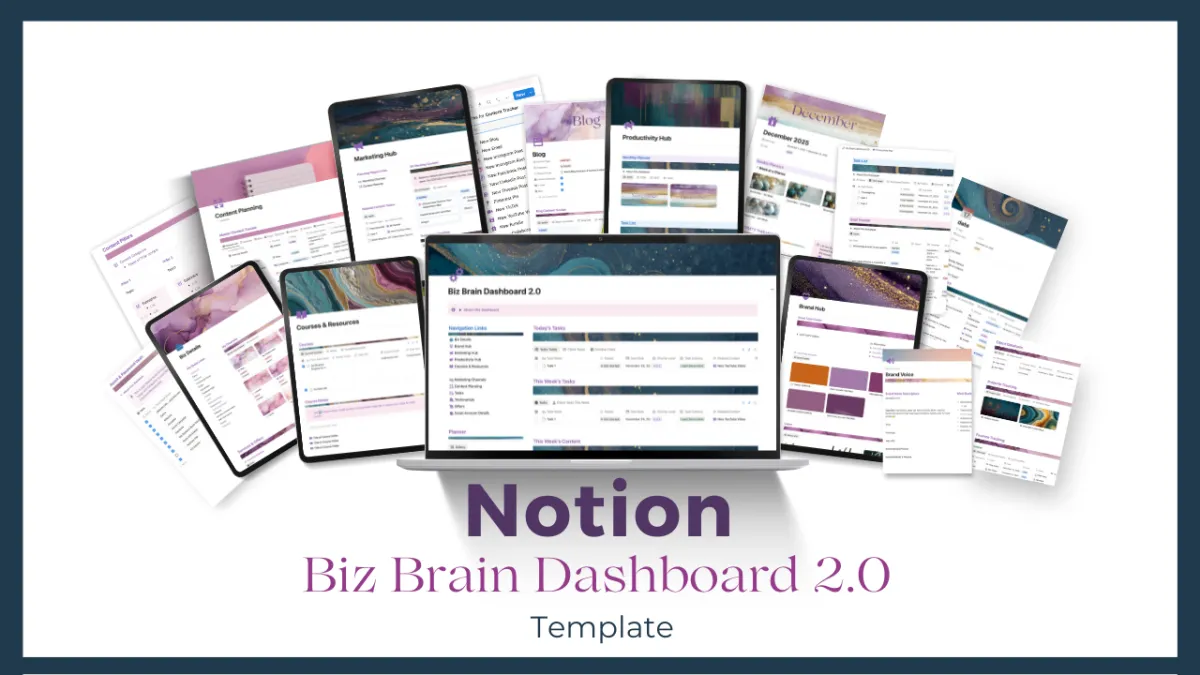
Introducing the Notion Biz Brain Dashboard 2.0
For service-based entrepreneurs who think and plan in Notion and want one organized place to do it.
Your business brain, all in one Notion Template. Instead of scattered notes, random docs, and content ideas living in five different place, the Biz Brain Dashboard give you one organized space to plan your month, track your content, manage you goals and keep your brand assets handy.
Includes six interconnected hubs: Main Dashboard for daily and weekly focus, Biz Details for quick reference and tracking, Brand Hub for assets and bios, Marketing Hub for content planning and testimonials, Productivity Hub for goals, tasks and monthly planning, and a Course and Resources Hub to track everything you're learning.
A powerful planning companion for any entrepreneur.
Main Dashboard Summary
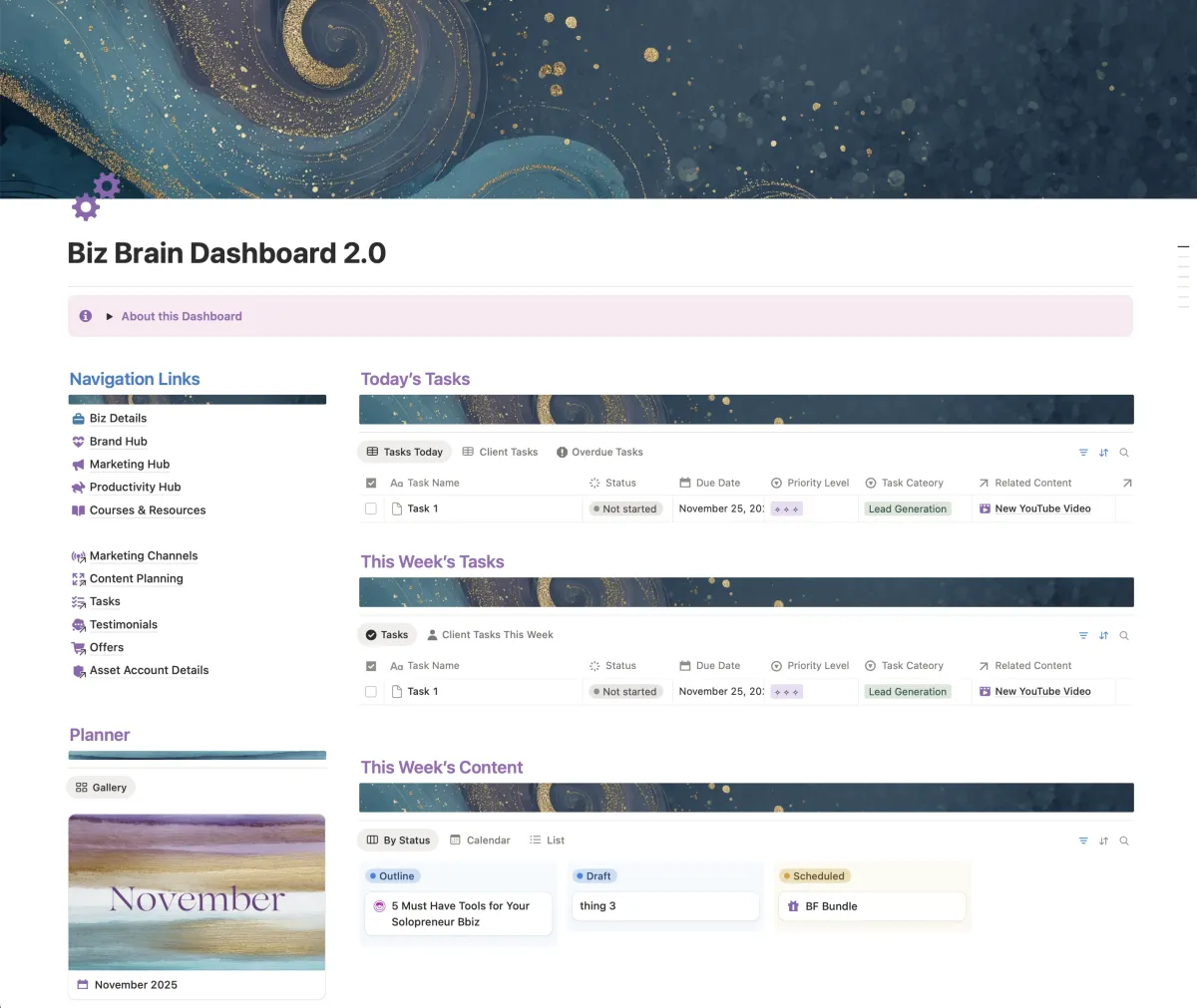
This is the summary page for your Dashboard!
Today's Tasks
This Week's Tasks
This Week's Content
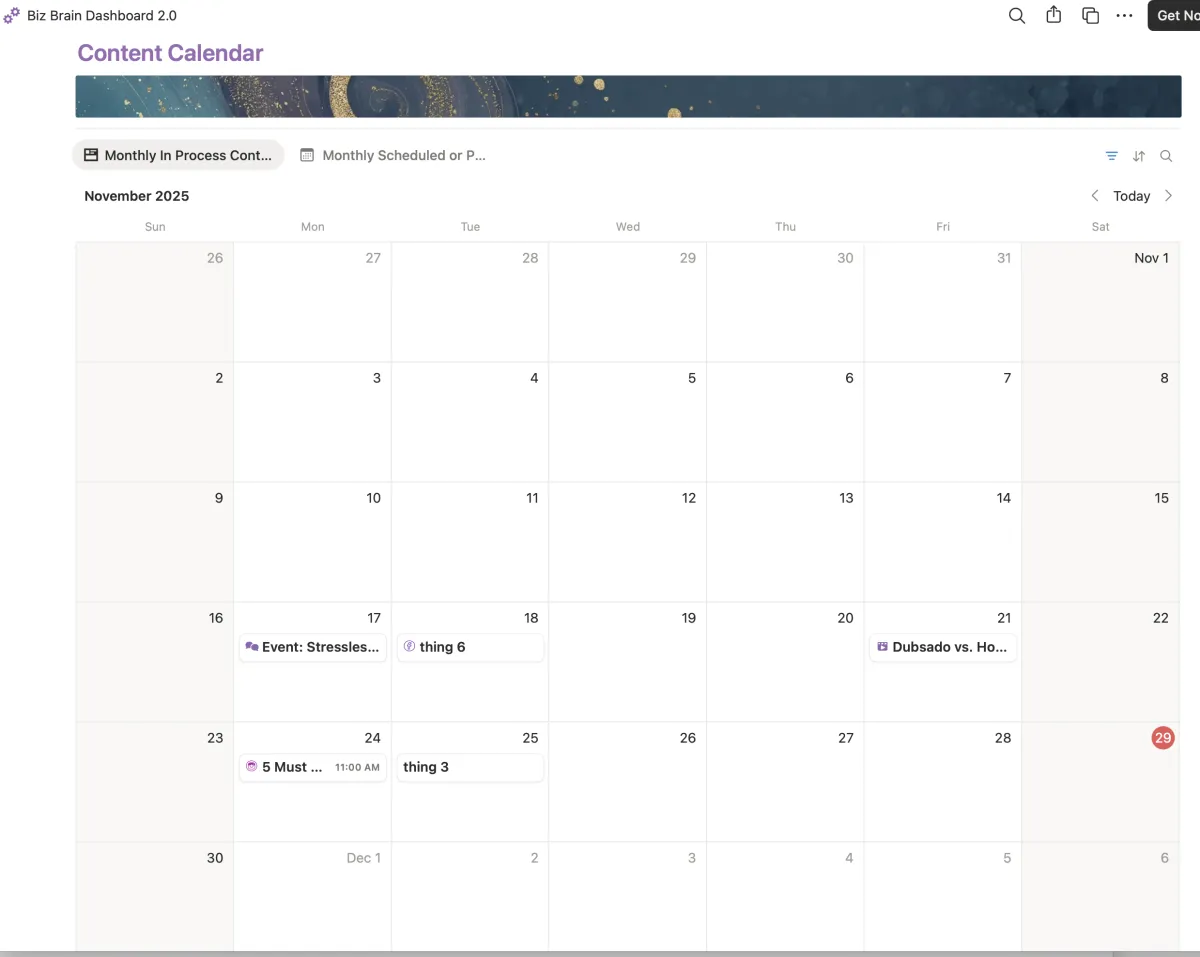
Calendar View for Content Publishing
Navigation Links to other Hubs
Monthly Planner and Daily Pages Links
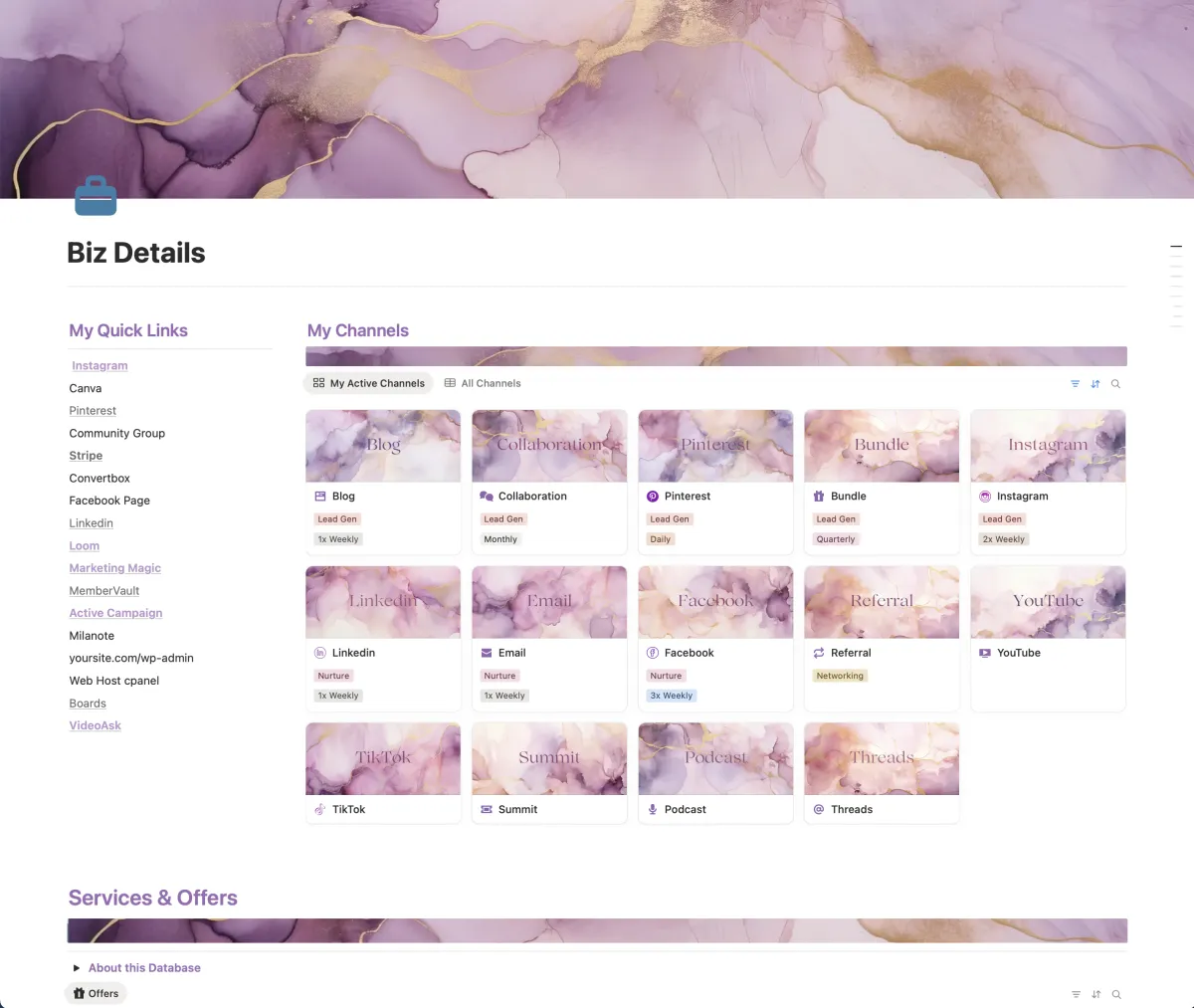
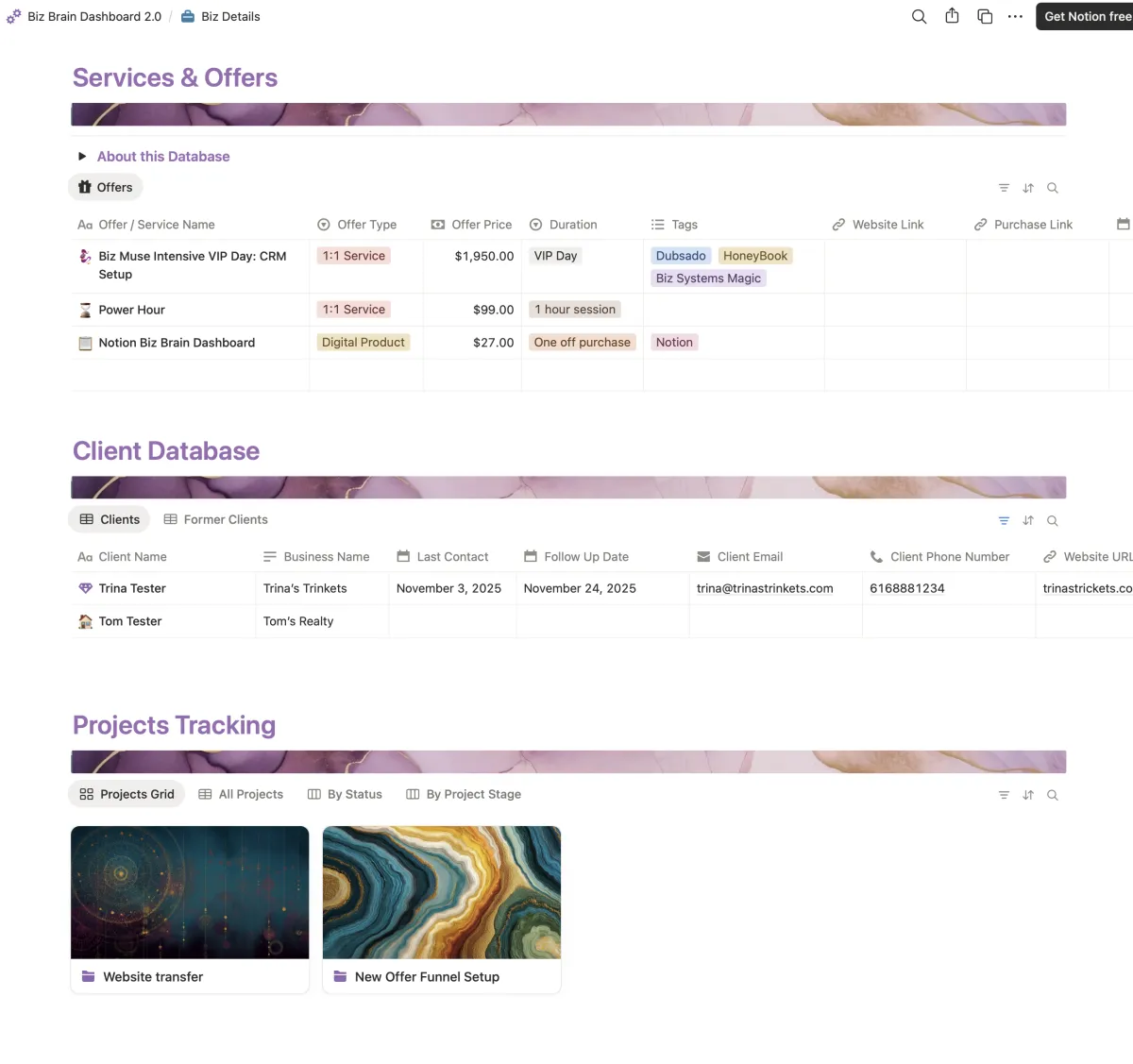
Biz Details Hub
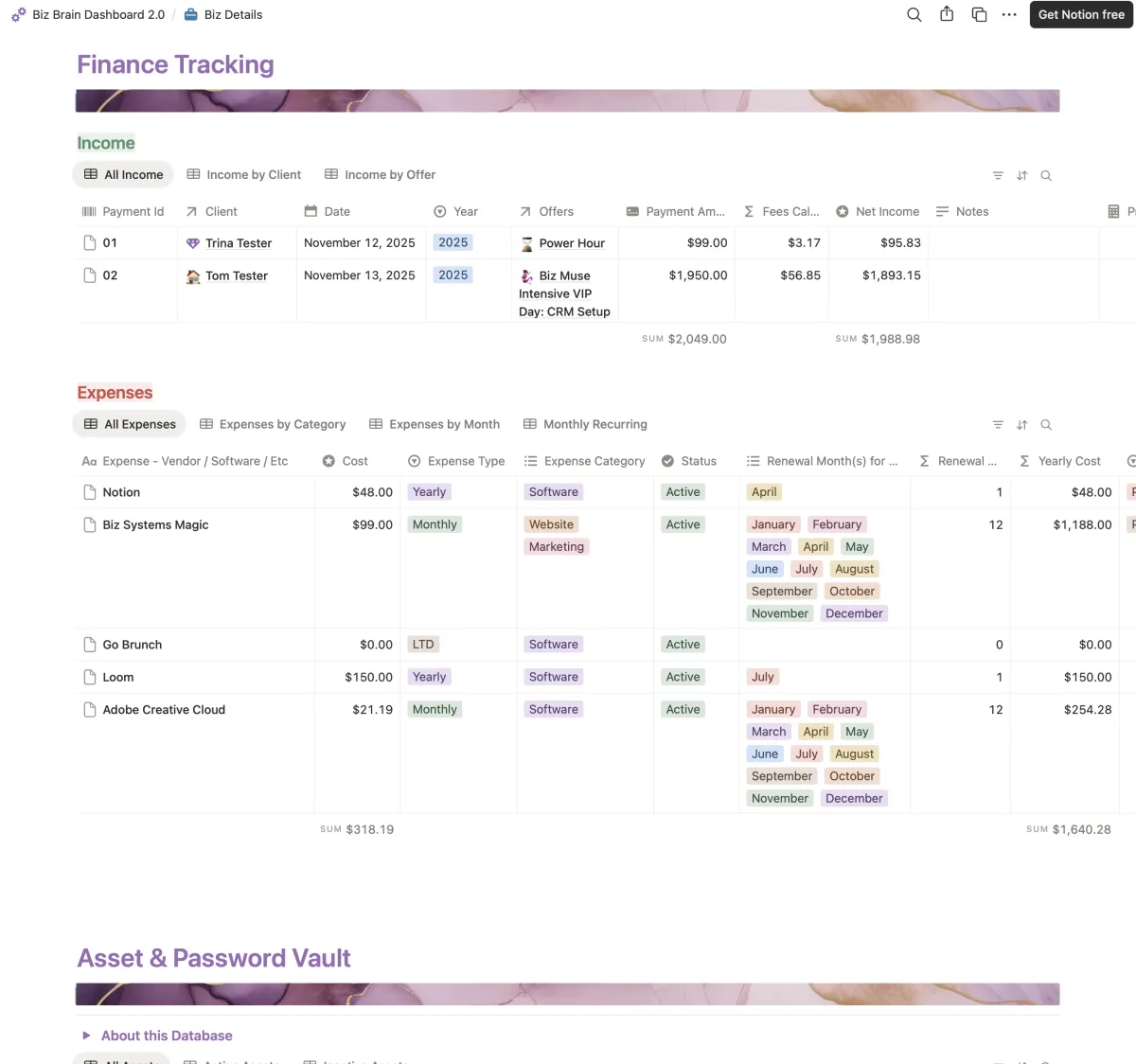
All your biz related details in one place
Details for your content Channels
Quick Links to frequently used tools
Services & Offers
Client Database*
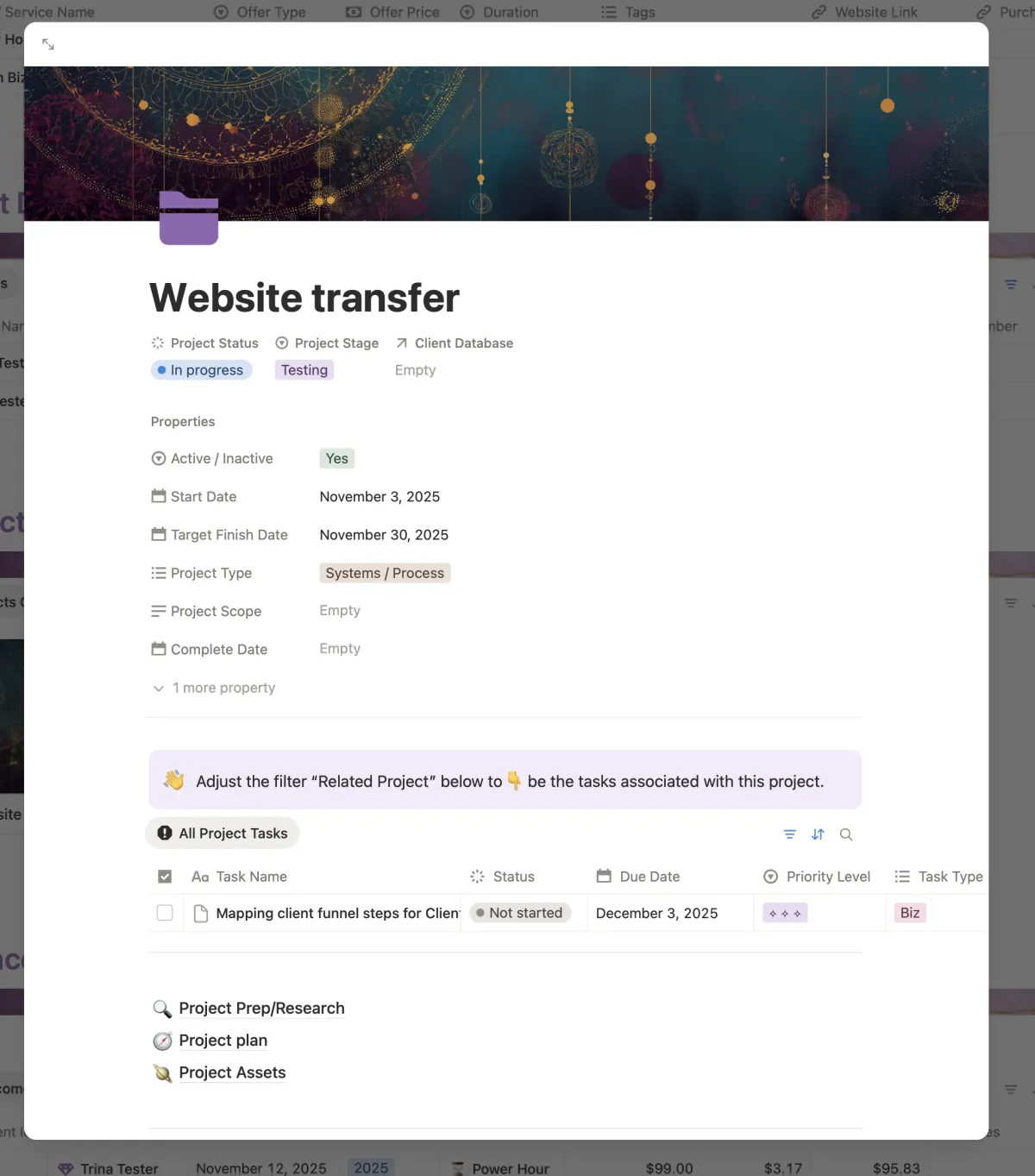
Projects Tracking Database*
Income & Expense Tracking w/ project and client relationships
Asset & Password Vault
*New in 2.0!
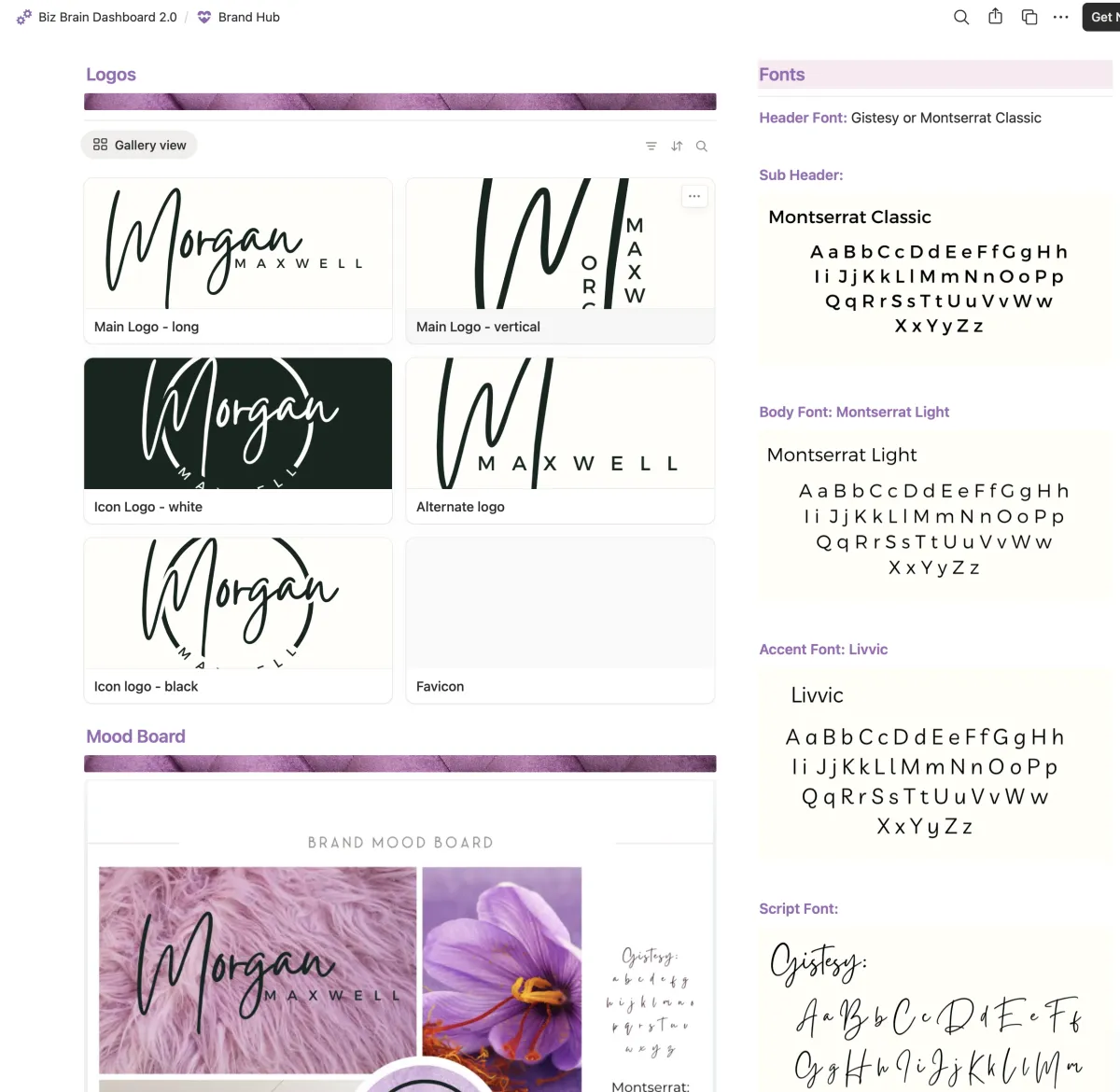
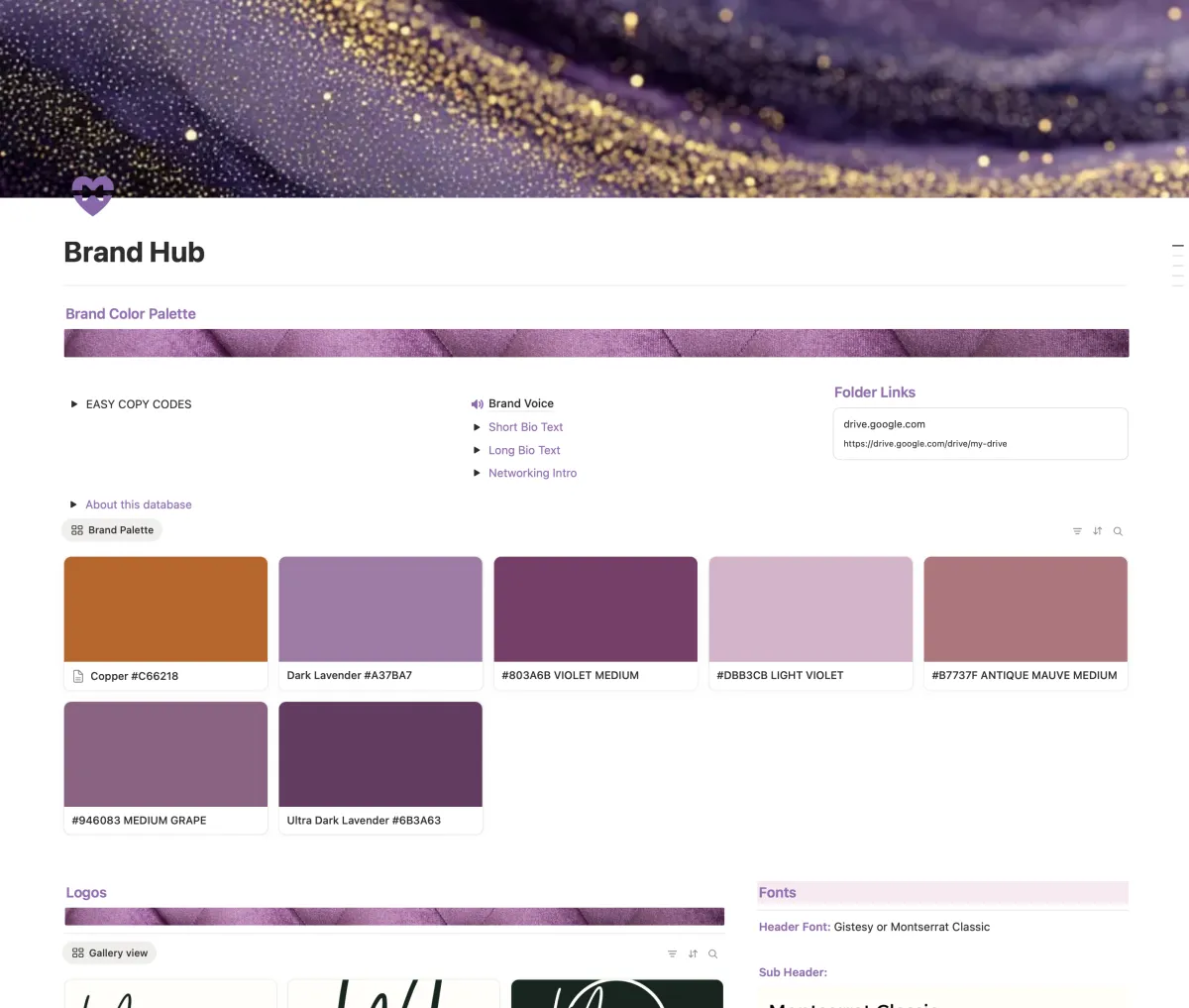
Brand Hub
Keep your brand assets handy!
Hex Codes (with visuals)
Logo Gallery
Font Gallery
Mood Board Visual
Brand Bio's
Networking Intros and links
Folder links to assets storage outside of Notion.
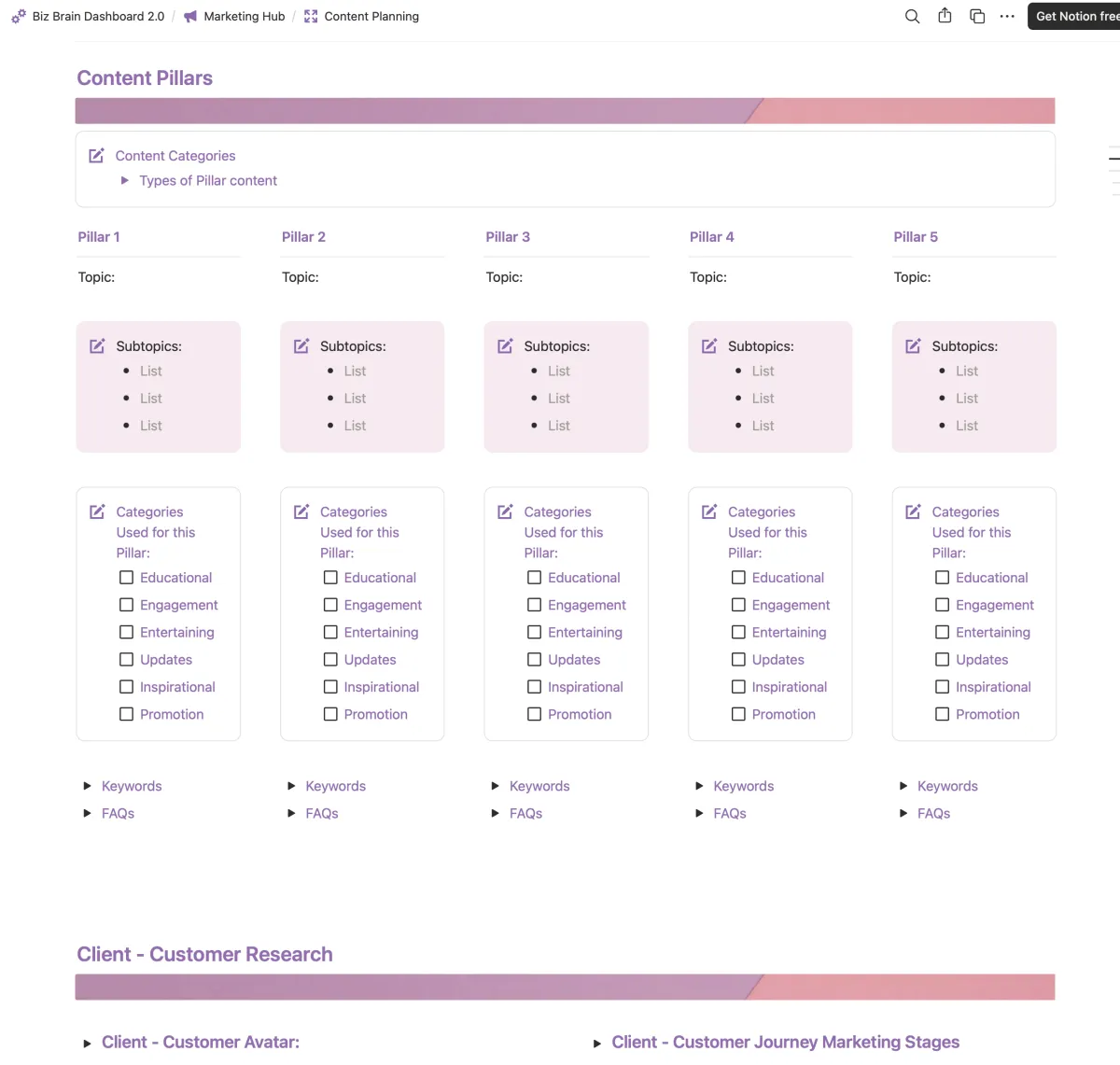
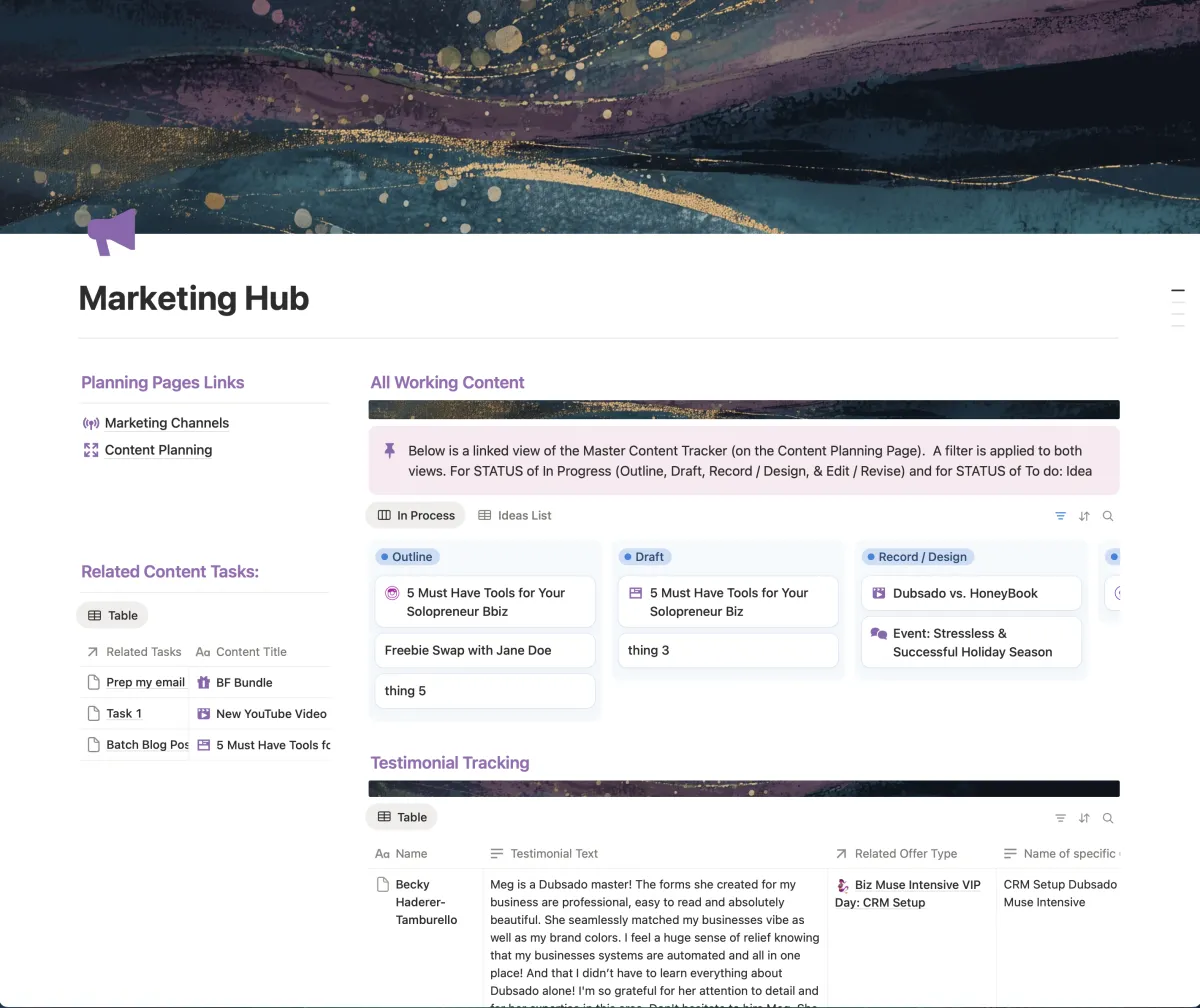
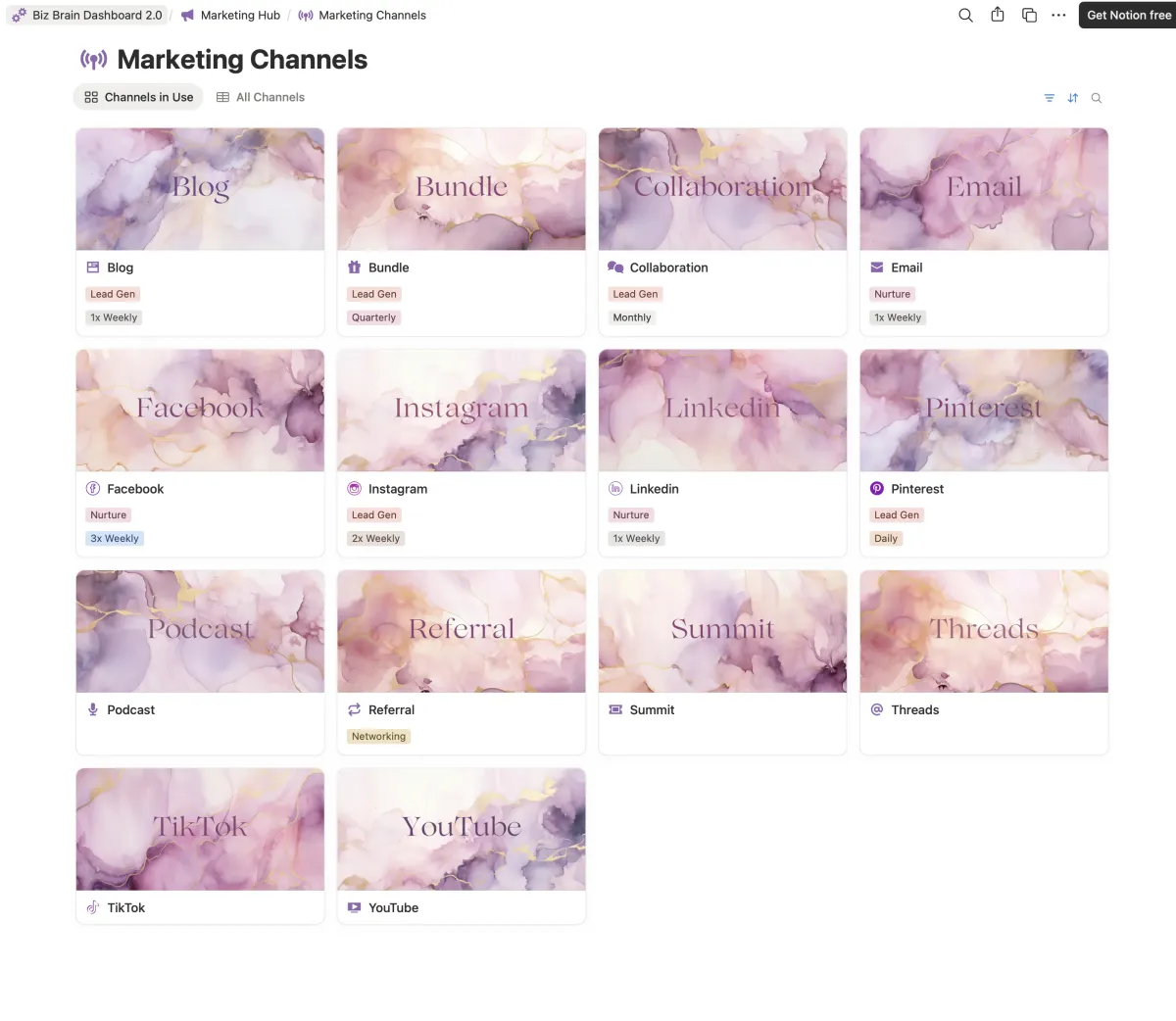
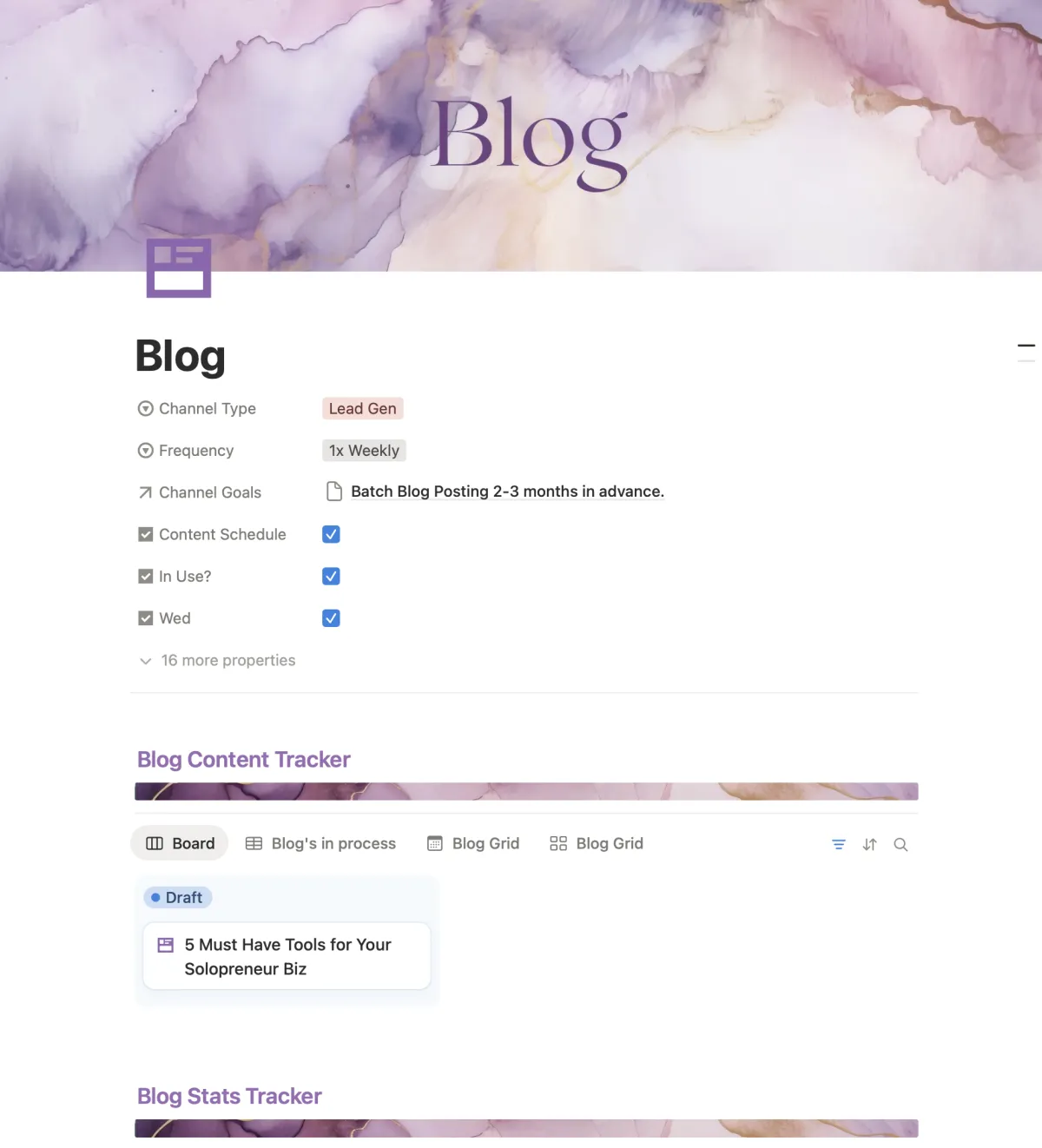
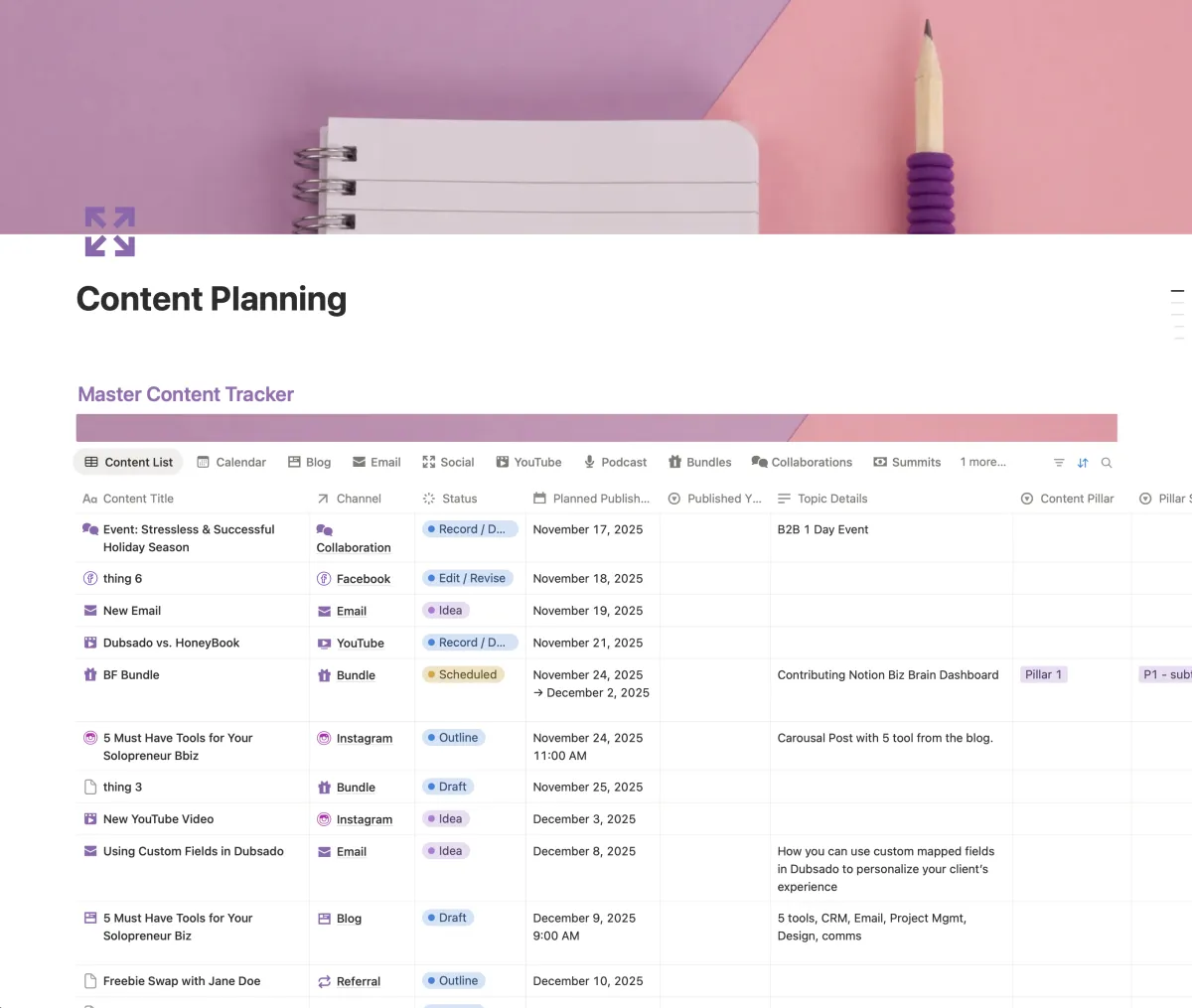
marketing Hub
Your content powerhouse!
Working Content Summary View
Testimonial Database
Marketing Channels
Content Tracker with channel specific templates.
Multiple views for content by channel and status
Content Pillar area
Customer Research area
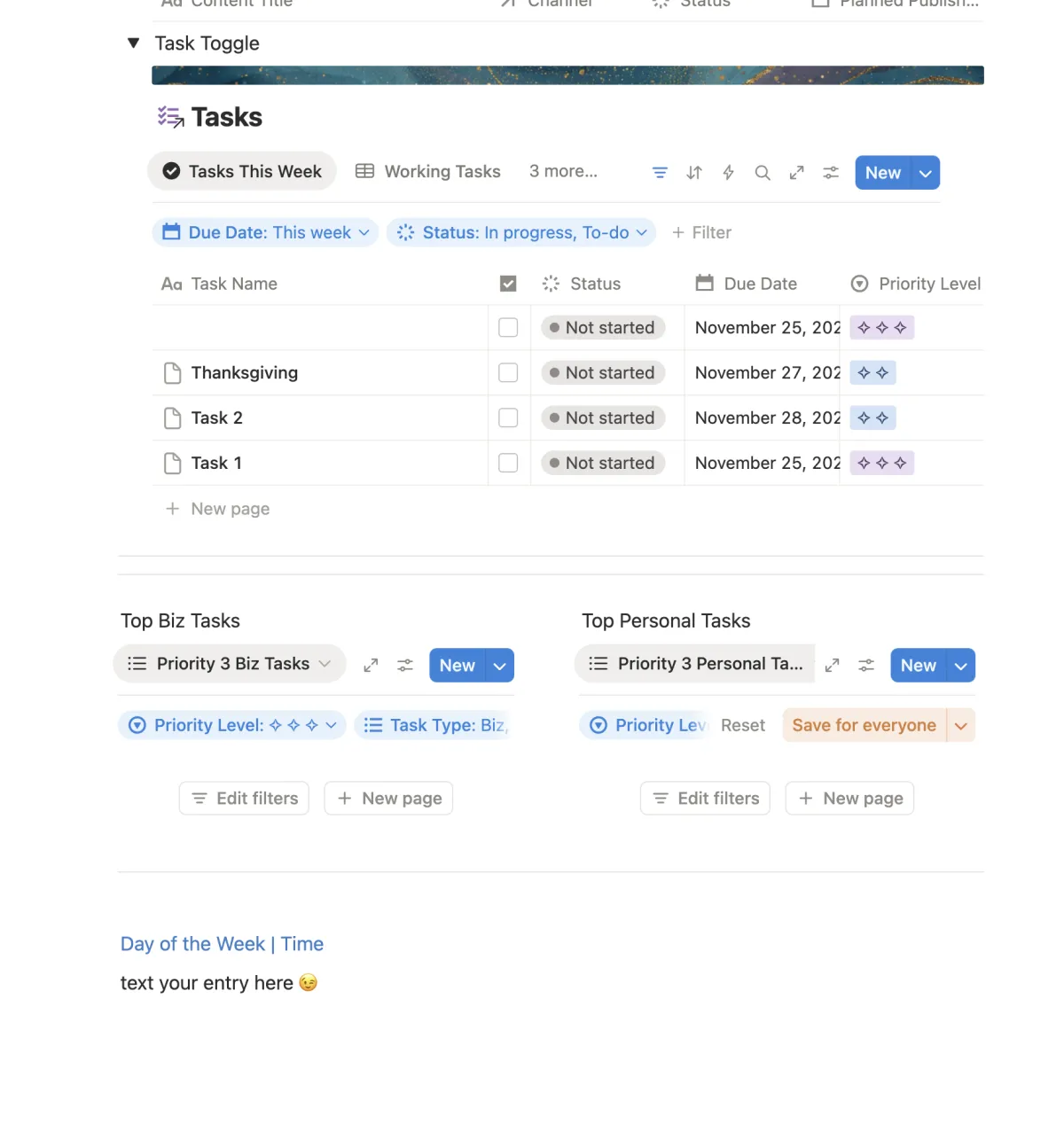
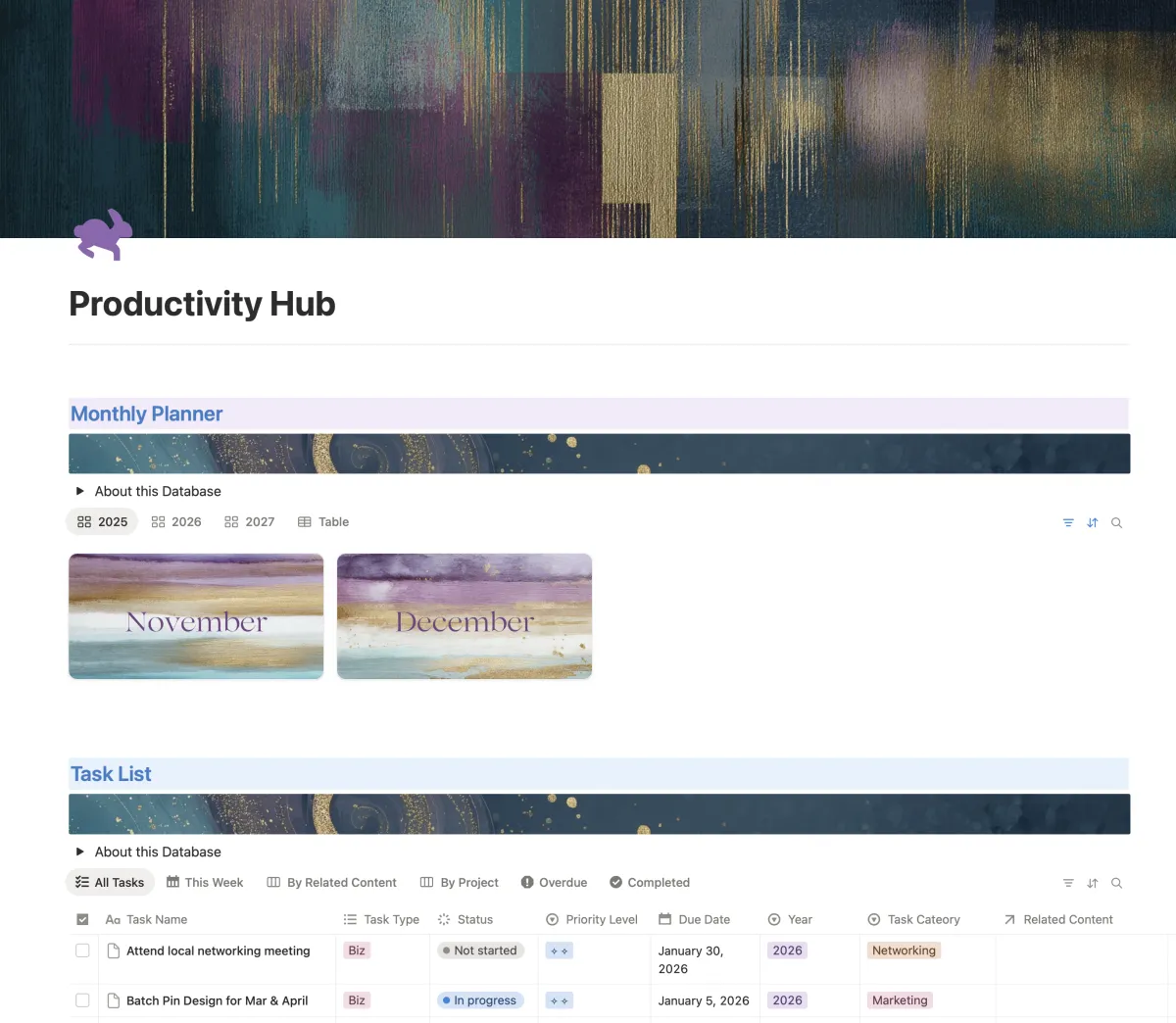
productivity Hub
The workhorse of your biz!
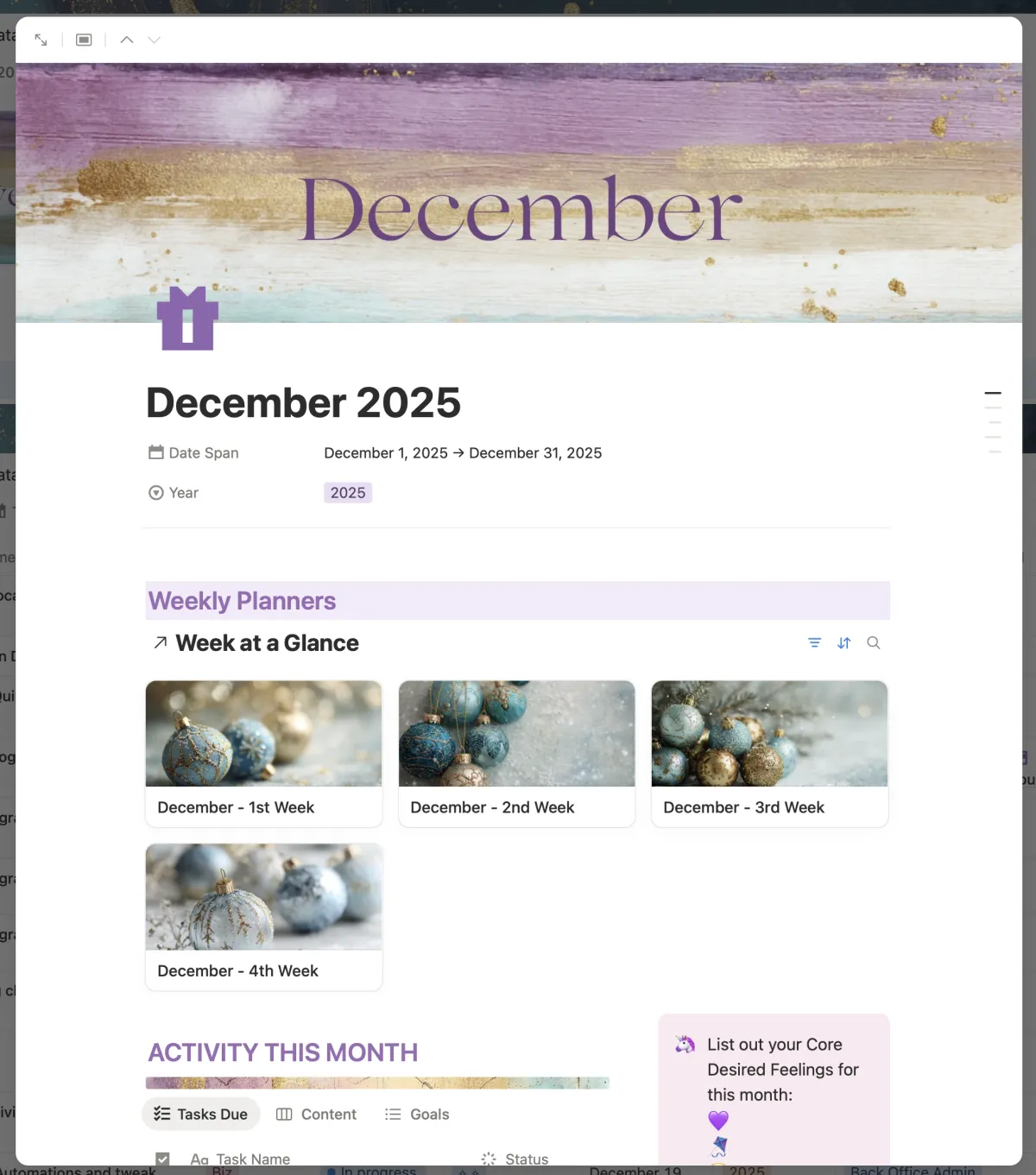
Monthly Planner (to plan each month + week at a glance view for that month.*)
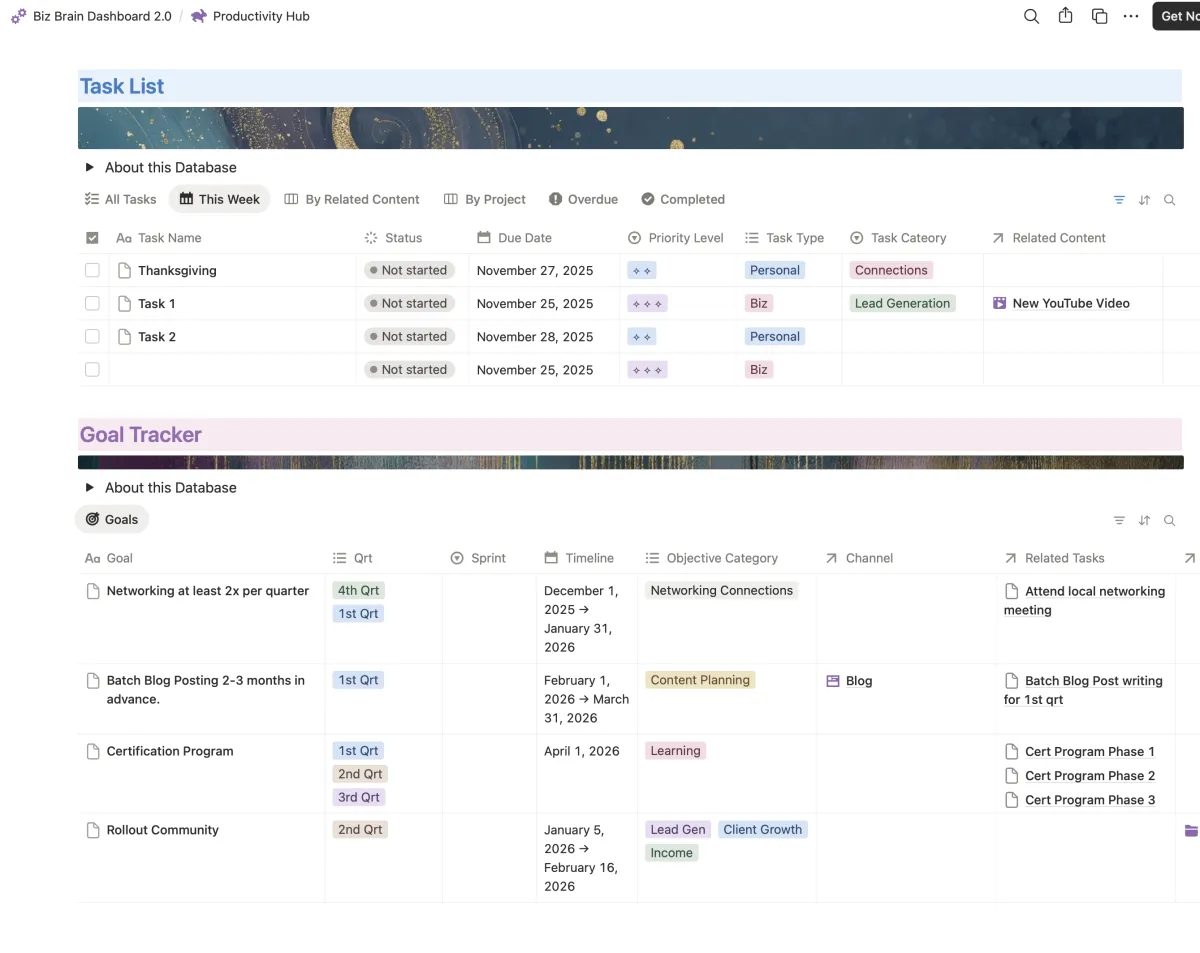
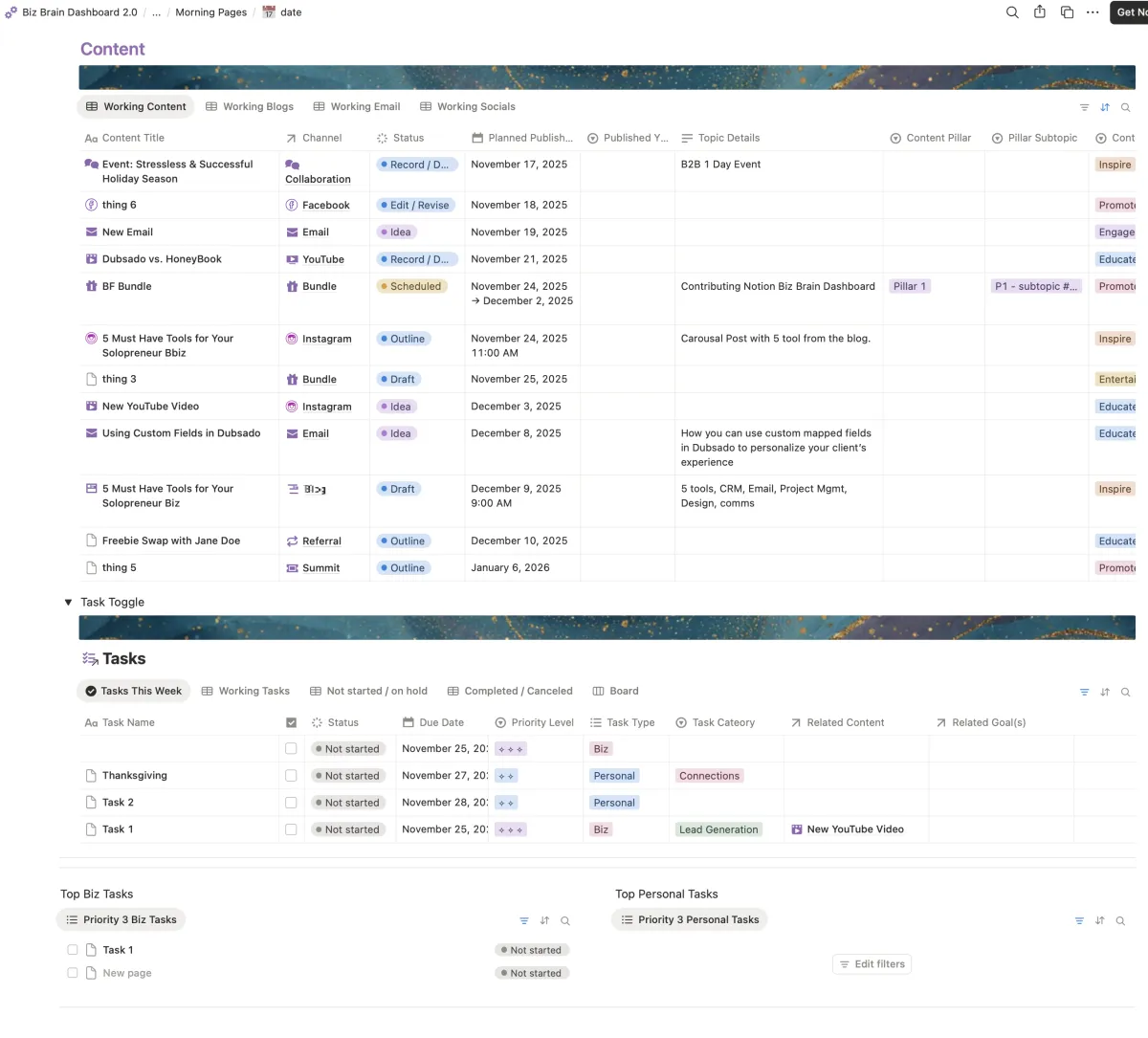
Master Task list (this database is used as views in all the places! it's everywhere you might need it)*
Goal Tracker
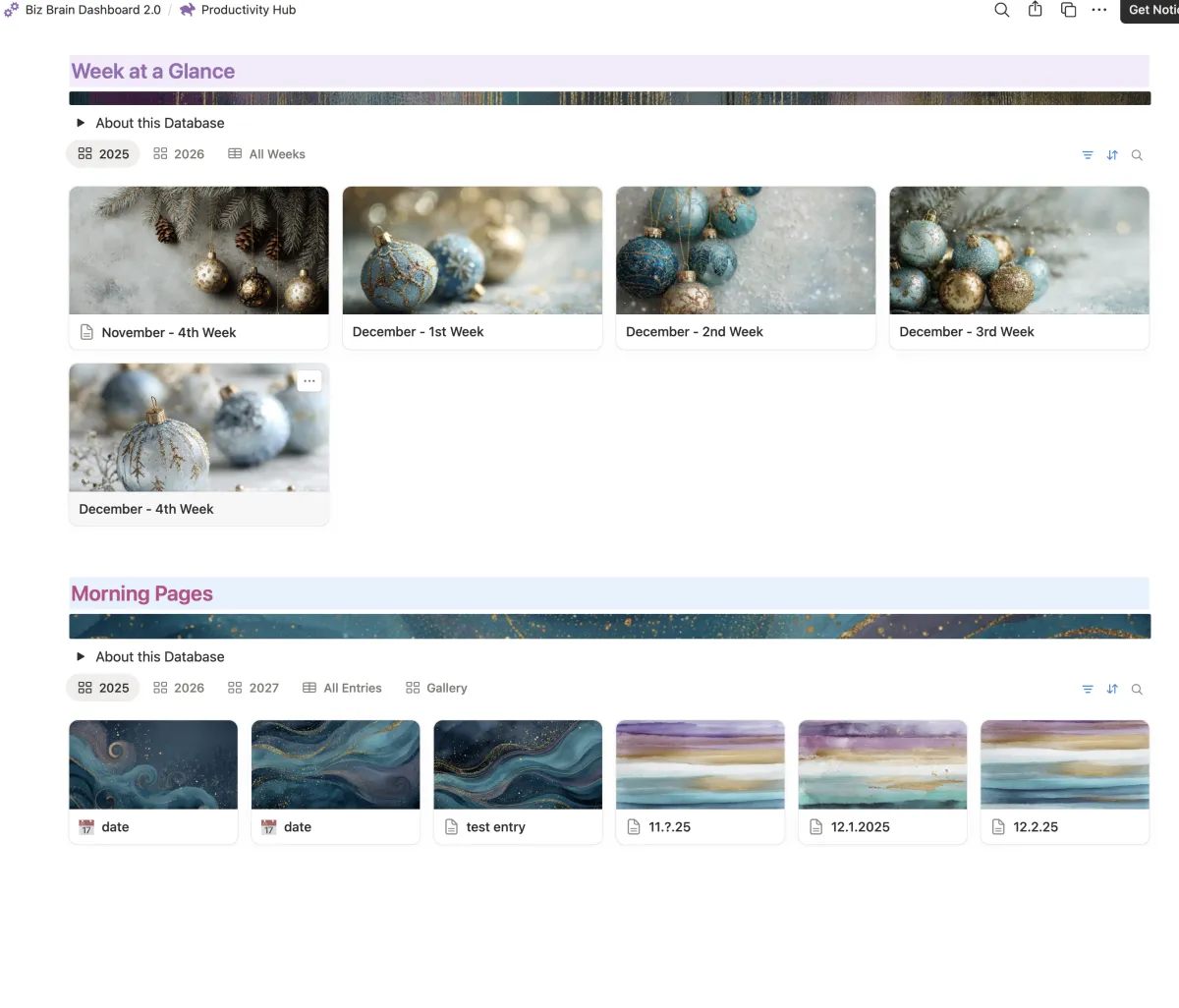
Week at a glance*
with Task list views
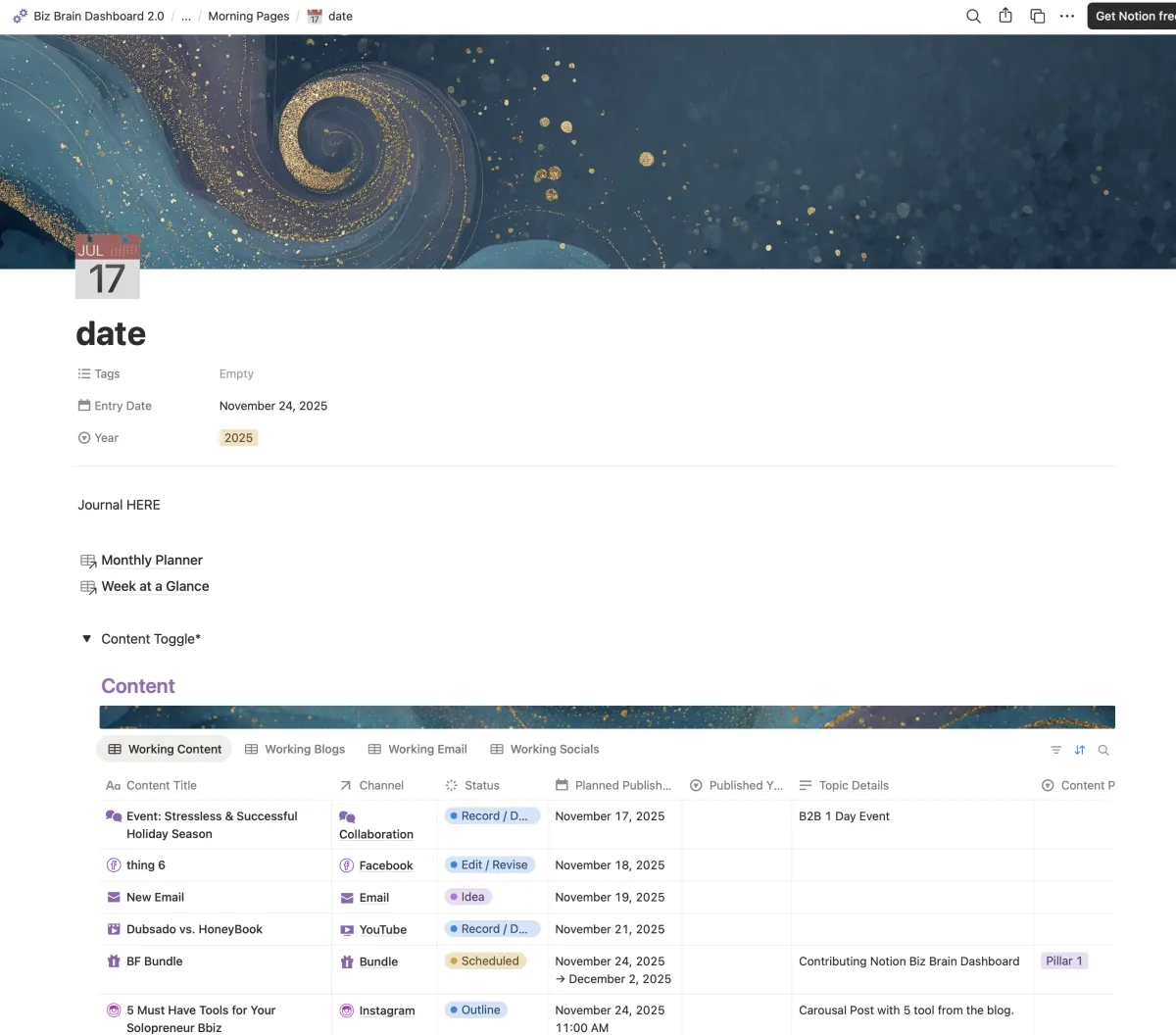
Morning Pages
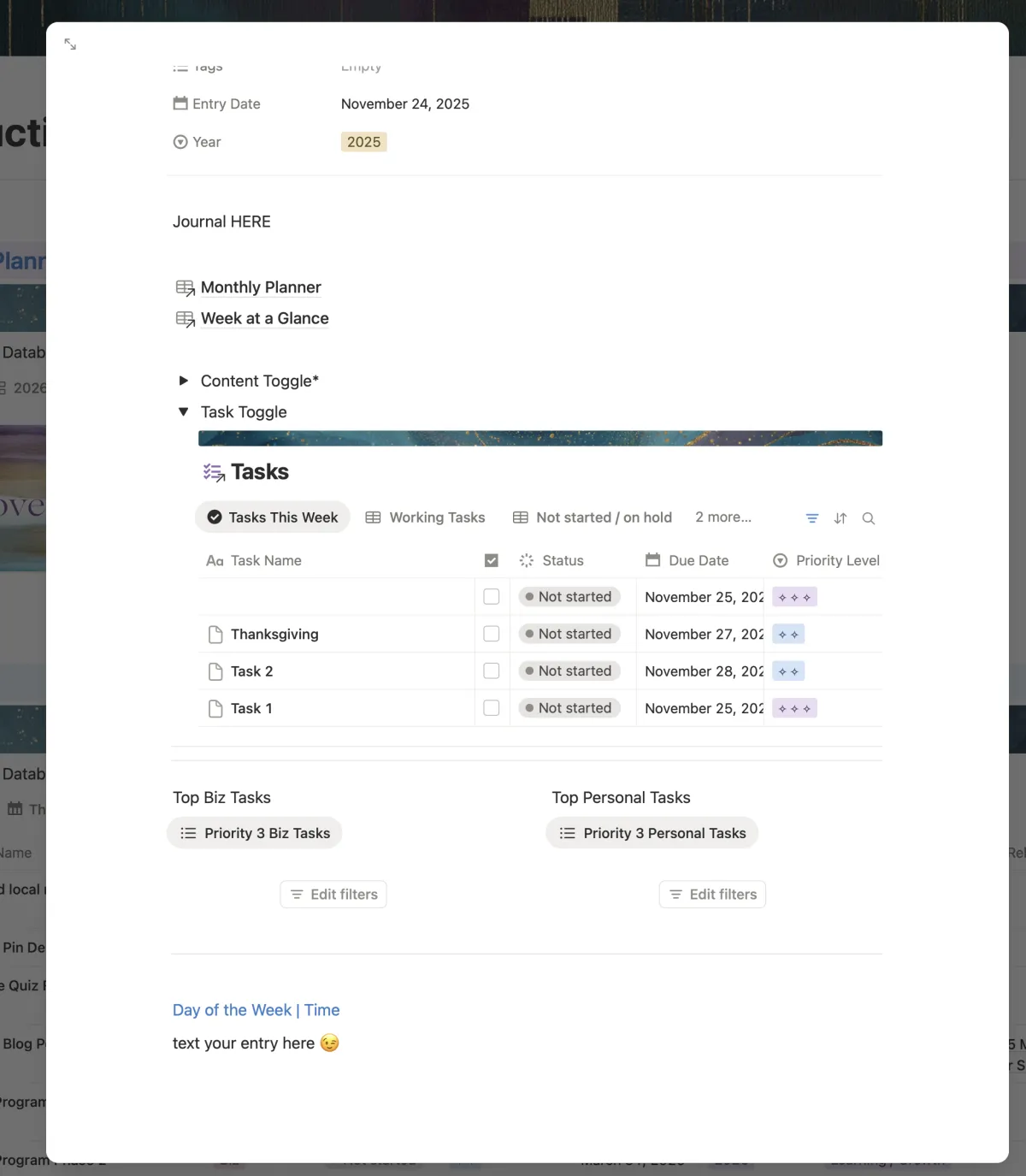
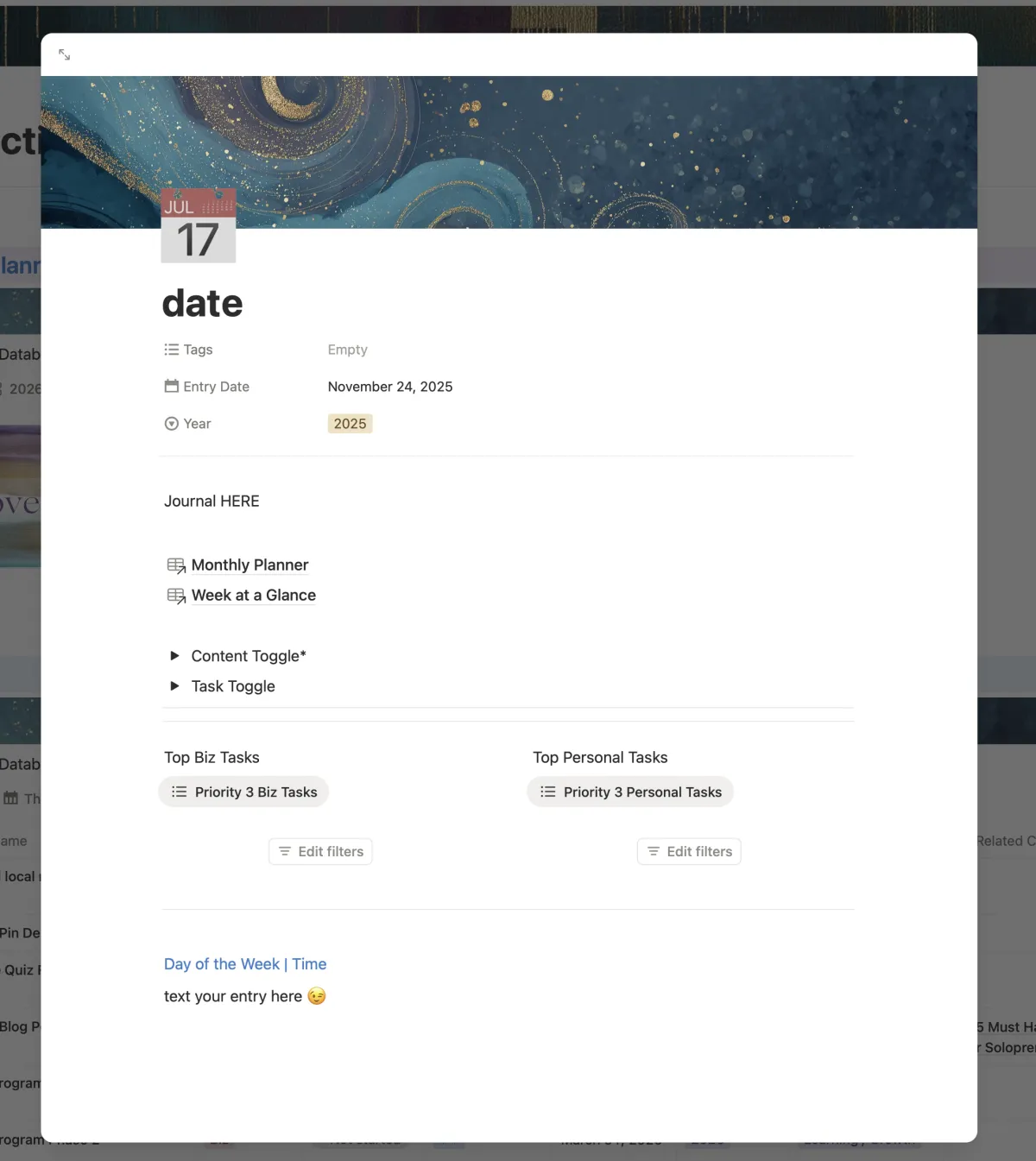
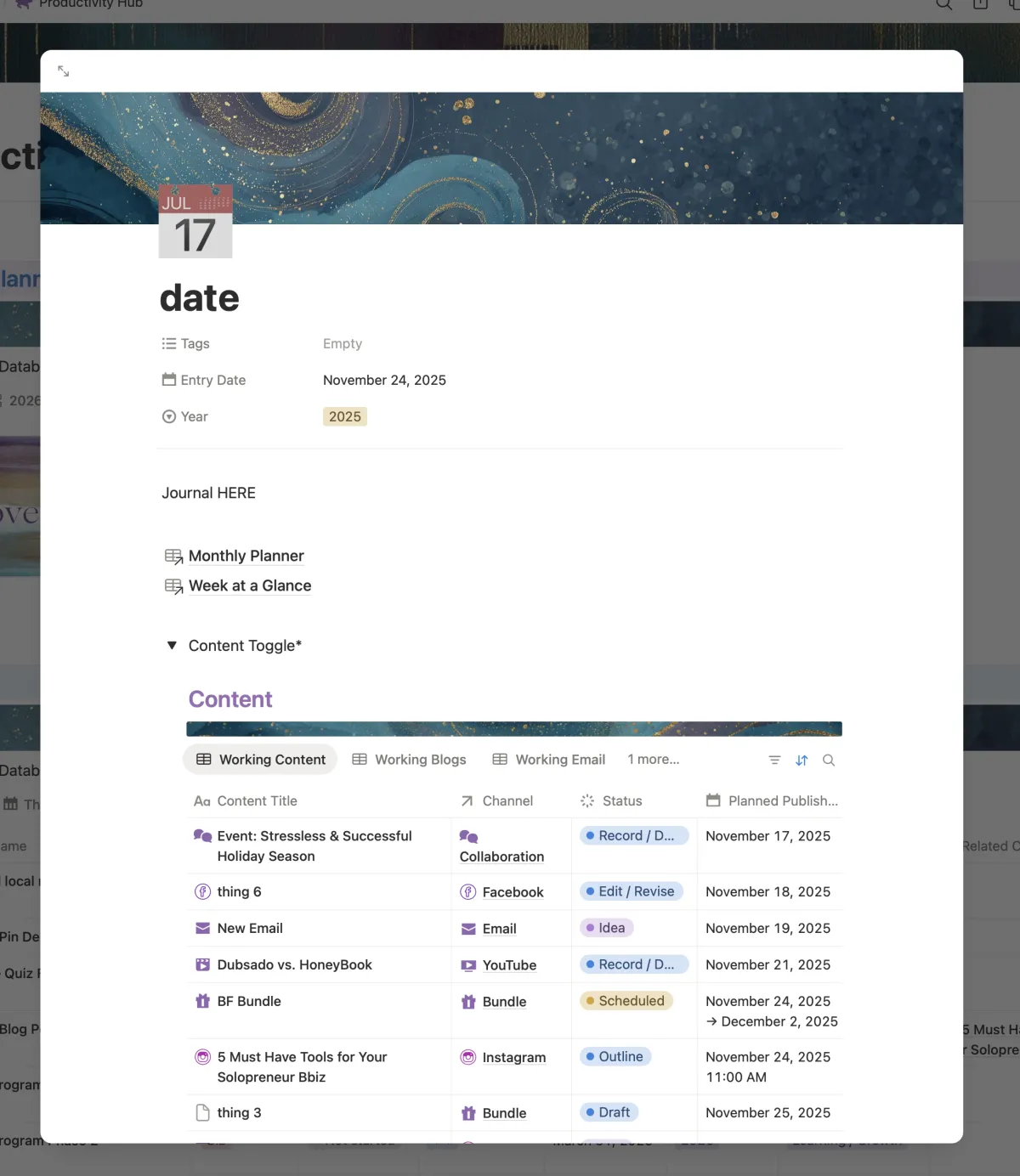
Collapsible areas for taking action on your content & tasks. So you can do it from one place when journaling for the day!*
*New in 2.0!
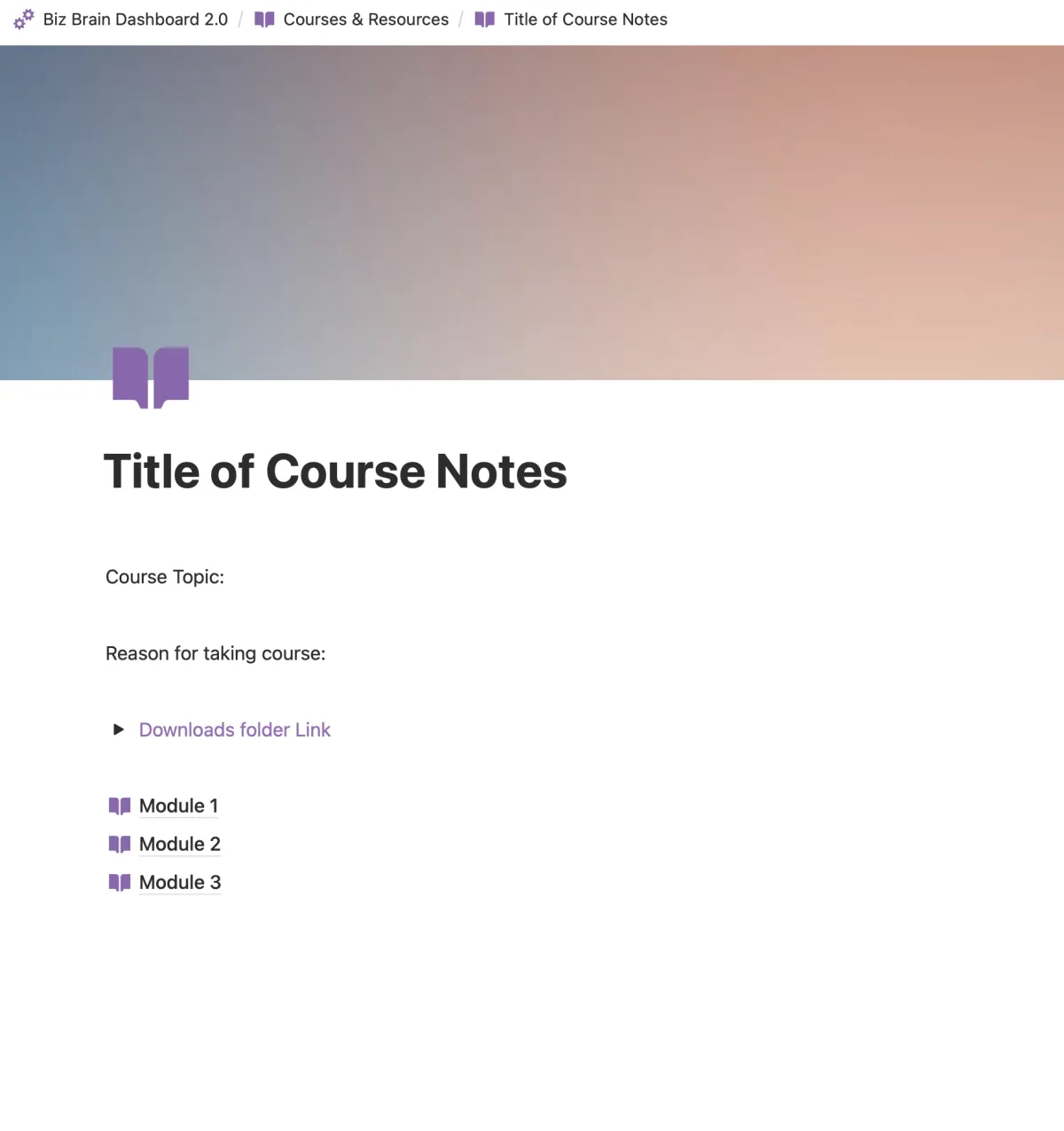
Courses & Resources
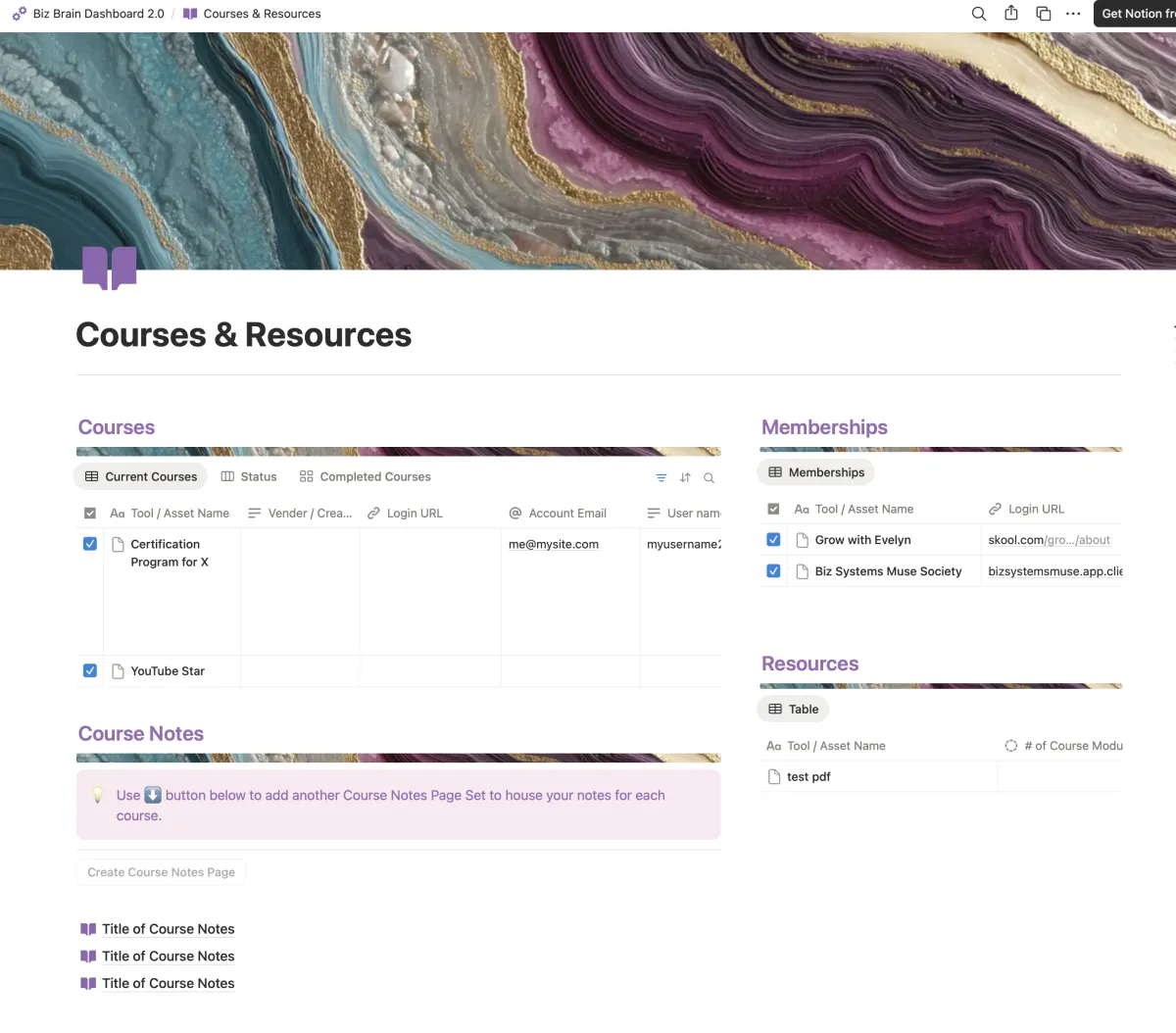
Keep all your Courses & Notes in one place
Track your courses
Track your memberships
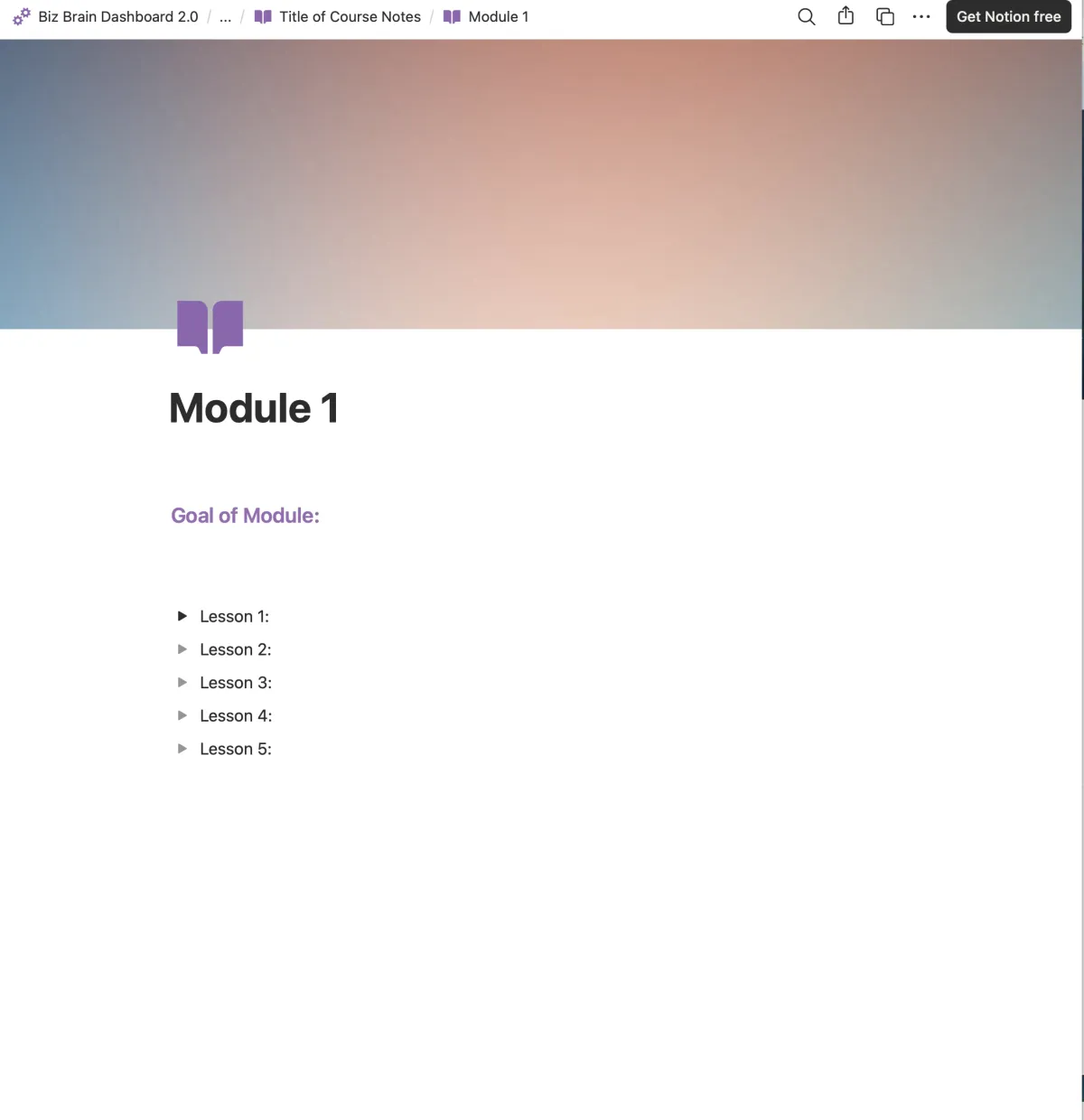
Taking notes for your courses with nested Notes Pages you can add with a button.
Track your resources
Login's are all connected from the Asset & Password Vault.
New in 2.0
More views where you need them!
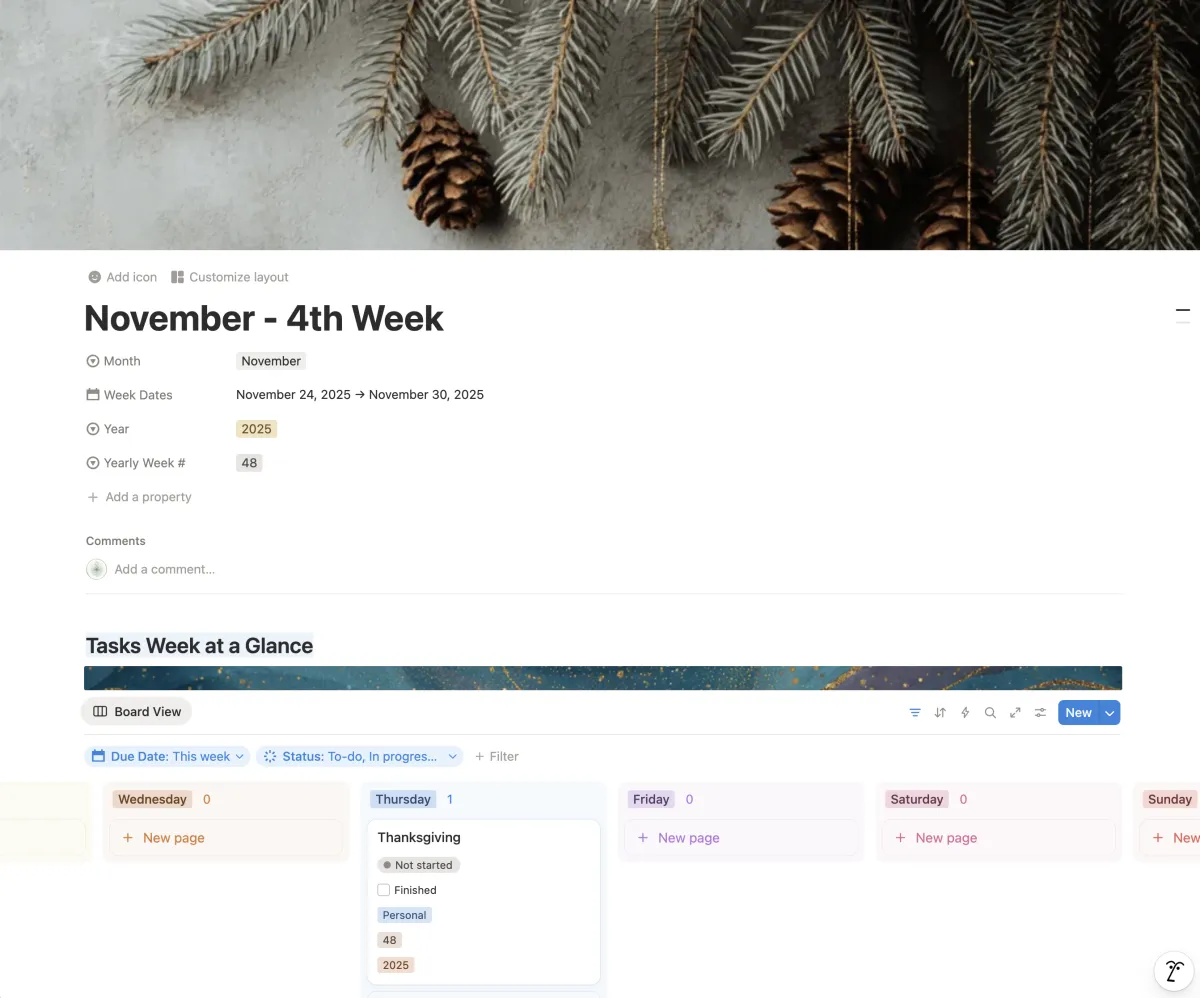
Week at a glance - gives you track at the week level
Task & Content views for each week - with a very handy board view for weekly planning.
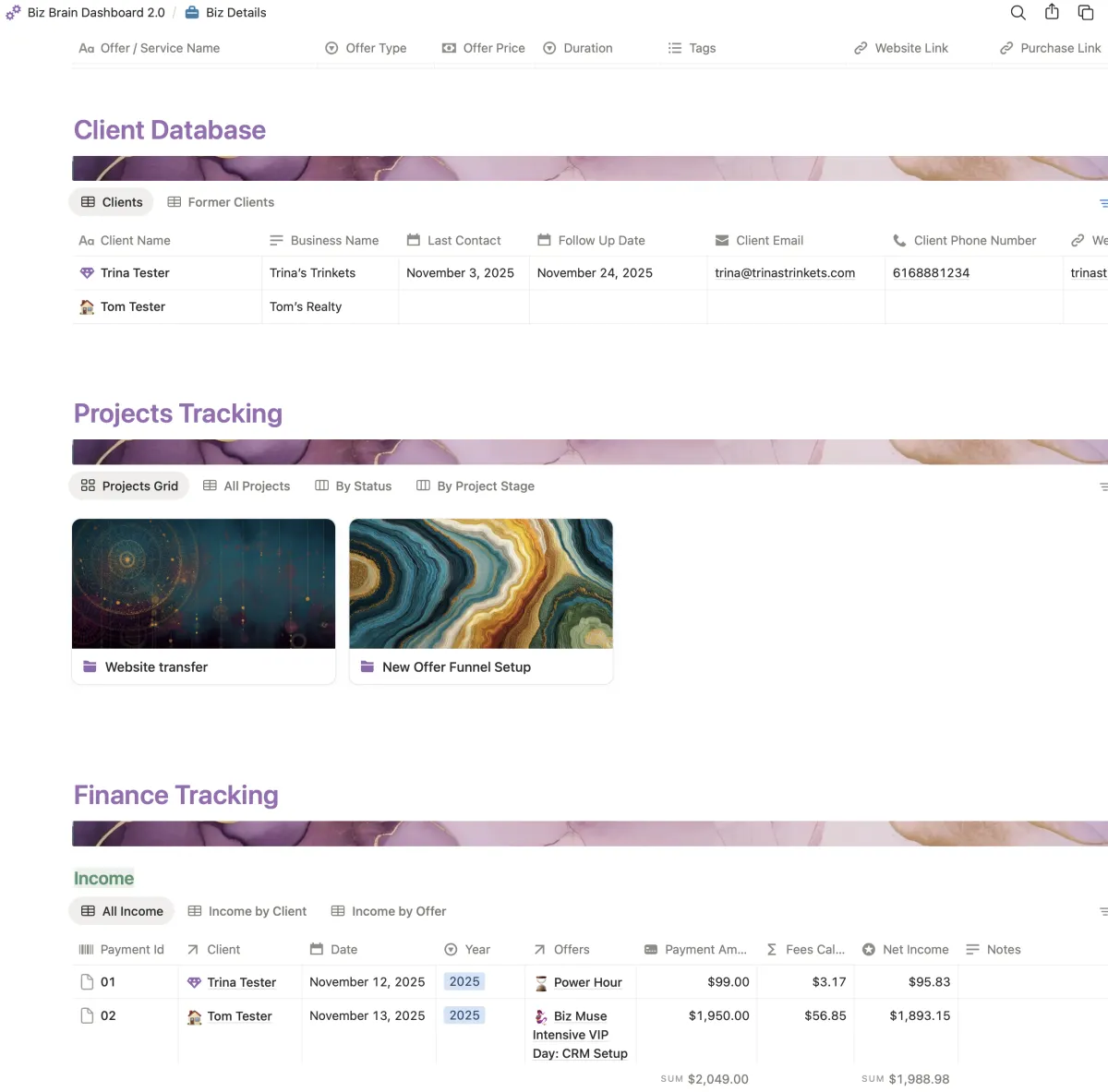
Client Database
Projects Database
Finance Tracking - track your income & expenses
Updated daily morning pages to give you access to take action from your morning journal. Update your tasks and content planning right from this daily page!
REady to Grab IT?
$47
⬇️ ⬇️ ⬇️ ⬇️
Notion: BIZ Brain DashBoarD Checkout!
FAQ's
Do you need a paid Notion Account to use this Dashboard template?
No, but as you add content to your dashboard, you may find that you'll need to upgrade to a paid account. Notion's Plus plan will be more than enough for your on-going needs.
Can you use this template even if you are a Notion novice?
You absolutely can! Once you purchase you will have a walk through on how the template works. If you need some additional help to get up to speed with Notion you can opt-in to a series of email tutorials.
If I don't like it can I get a refund?
Short answer is nope. Due to the digital nature of this product once you purchase and are given access their are no refunds.
© Copyright 2026 Meg Goodman Virtual Business Solutions | Terms & Conditions